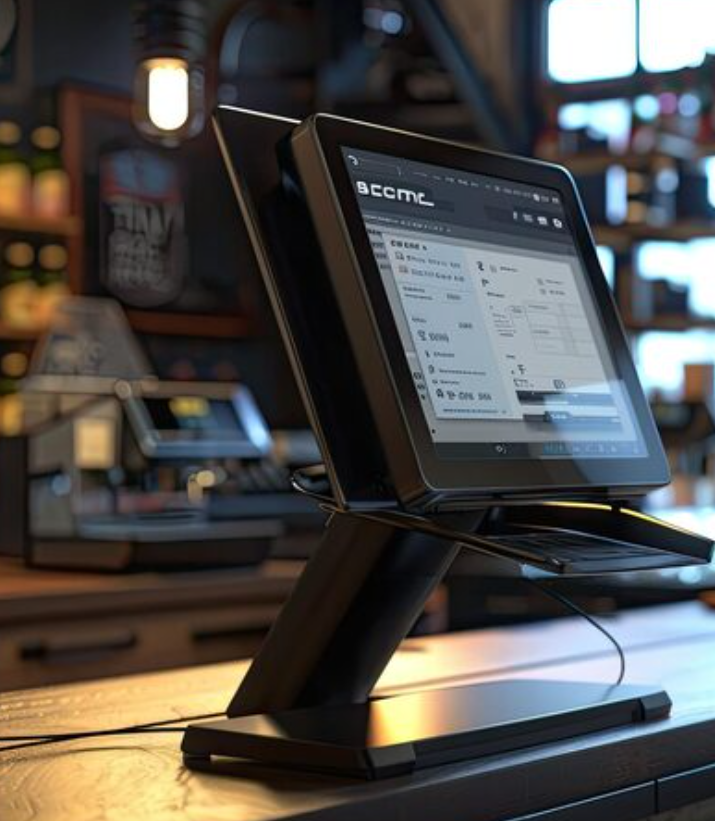
One counter. Every operation.
From the first order to the final GST invoice, EasyPos365 modules work together across billing, kitchen, stock and reporting.
Restaurant & KOT Management
Take orders table-side, send them straight to the kitchen printer or KDS screen, and track every table's status without walking the floor.
Table Map
Live view of occupied, reserved and free tables.
Auto KOT
Orders print to the right kitchen station instantly.
Turnaround Timer
Spot slow tables before guests complain.
→ Sent to Kitchen Printer 1 · 0:04 sec
Smart Billing & Invoicing
Generate GST-compliant invoices in seconds. Split bills by guest, room or item, and accept UPI, card, wallet or cash — all reconciled automatically at day close.
- One-tap split & merge billing
- UPI, card, wallet & cash in one till
- Auto GST calculation & e-invoicing
- Direct post to room folio (PMS sync)
⚠ Reorder alert sent to Store Manager
Inventory & Stock Control
Every sale automatically deducts raw material from stock using recipe-based mapping. Get low-stock alerts and generate purchase orders before you run dry.
- Recipe-linked auto stock deduction
- Multi-store & central kitchen tracking
- Low-stock & expiry alerts
- Vendor & purchase order management
Multi-Outlet Management
Run every branch, cloud kitchen and banquet counter from one owner dashboard — with role-based access for managers and staff.
Central Dashboard
See sales across all outlets in one screen, live.
Role-Based Access
Owner, manager and cashier logins with set permissions.
Menu Sync
Update prices or items once, push to every branch.
Branch Comparison
Compare footfall, average bill value and peak hours.
Reports & Analytics
Daily Z-reports, item-wise sales, staff performance and tax summaries — ready to export whenever your accountant asks.
Sales Trends
Hour-by-hour and day-by-day sales breakdown.
Item Performance
See your best and worst-selling menu items.
Staff Reports
Shift-wise billing, void tracking and cash handling.
See every module live in a 20-minute demo
We'll walk through billing, KOT and reports using your own menu.
EasyPOS365
Has Got Your Back
Looking for a powerful POS solution for your hotel or restaurant? Get a free demo from our experts.
Talk to an Expert →